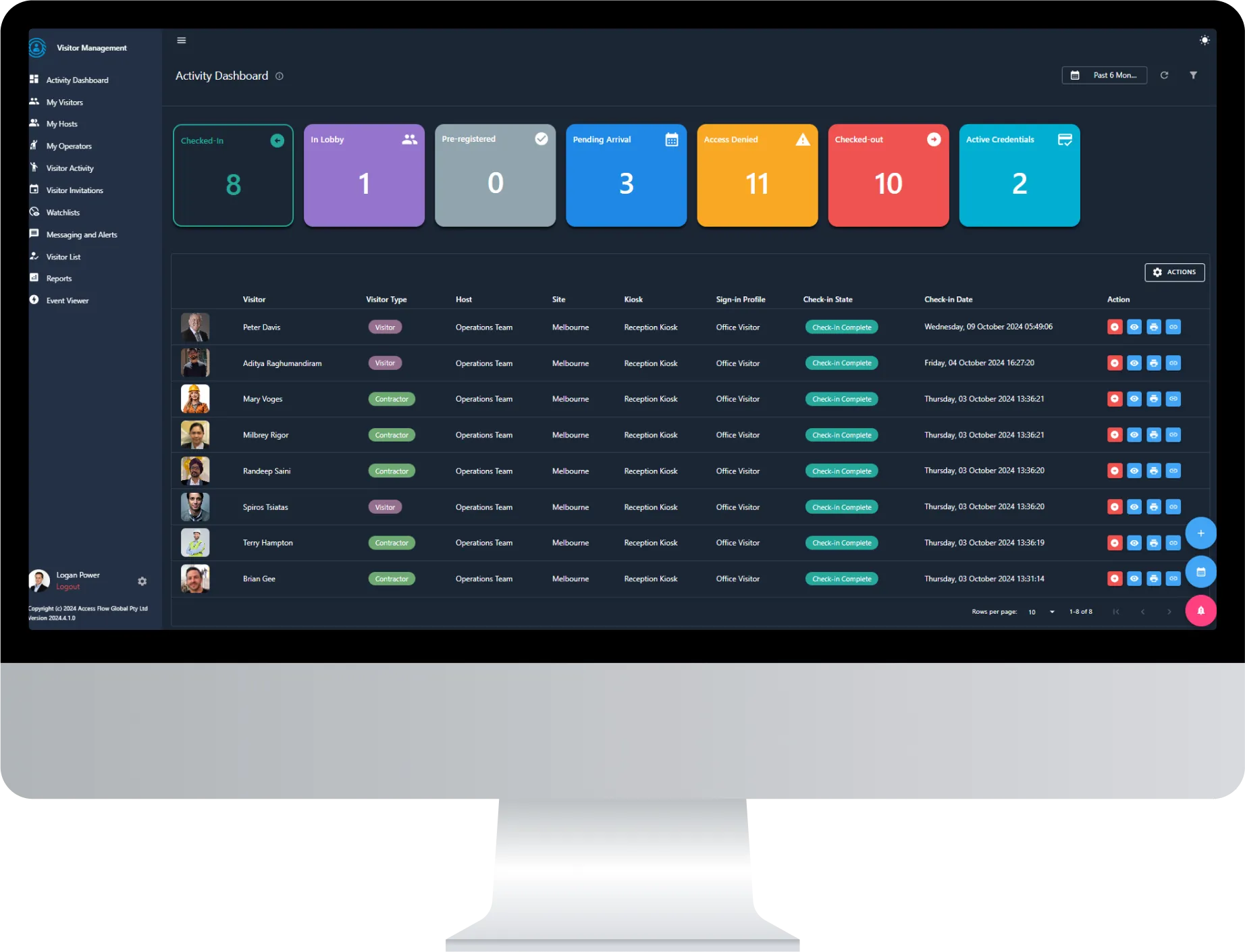
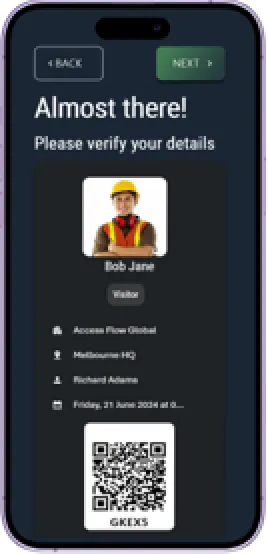
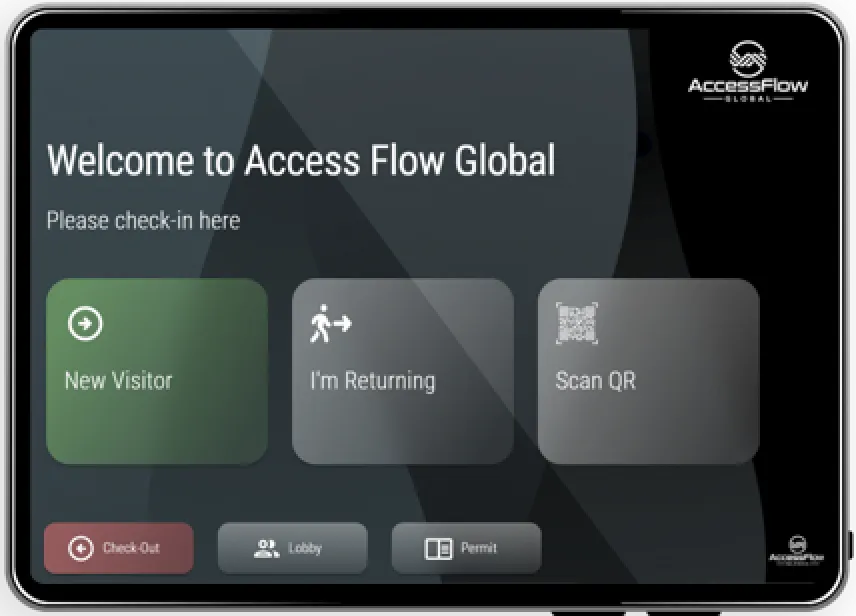
Protect your facilities with the world’s most comprehensive Workforce Management System. Track & enforce worker compliance 24/7.



AccessFlow Workforce Management help’s you get the foundations right and provides certainty that your contractor’s meet your compliance and safety requirements.

Situational awareness of everything happening across one or multiple sites.
Automate day-to-day compliance checks and paper processes, reduce administration and make your software work for you.
Comprehensive Permit-to-Work management solution.
Access Control integration ensures access to site is blocked in real-time based on non-compliant contractor criteria such as inductions & permits.
Optional management and tracking of host’s employees compliance. Consolidate compliance management for all personnel - internal and external.
Your system, your way. Manage & control implementation & changes.
Ensure all contractors adhere to health and safety policies, automating compliance and enhancing safety with real-time updates and monitoring.
Automated oversight keeps your operations aligned with current policies, offering peace of mind and reducing administration.
AccessFlow monitors contractor activities around the clock with compliance checks and automated workflows.
View your entire workforce through multi-tenanted solution, allowing for precise management over all on-site activities.
Generate detailed reports, providing insights into site check-in activity, non-compliance events and induction statistics.

Instant alerts keep all stakeholders updated on inductions and permit expirations.
Advanced drug and alcohol testing features assess the fitness of staff &contractors.
Integration with third-party government systems to safeguarding against unauthorised site access.
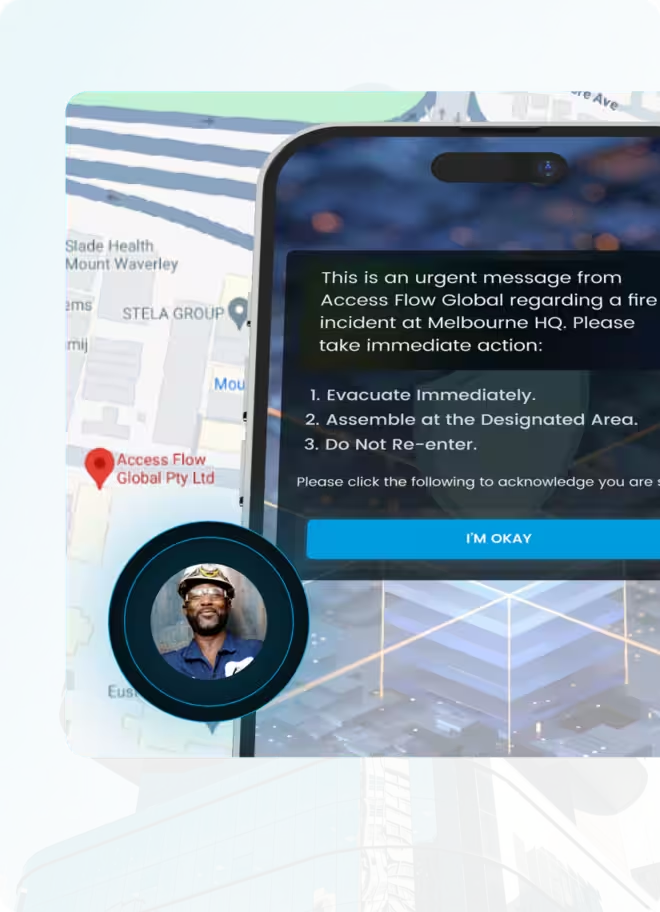
Monitor contractor movements within designated areas. Facilitate emergency messaging and real-time safety confirmations.
Streamline site security and safety by automatically managing access control credentials as compliance, induction, or change in permit status.
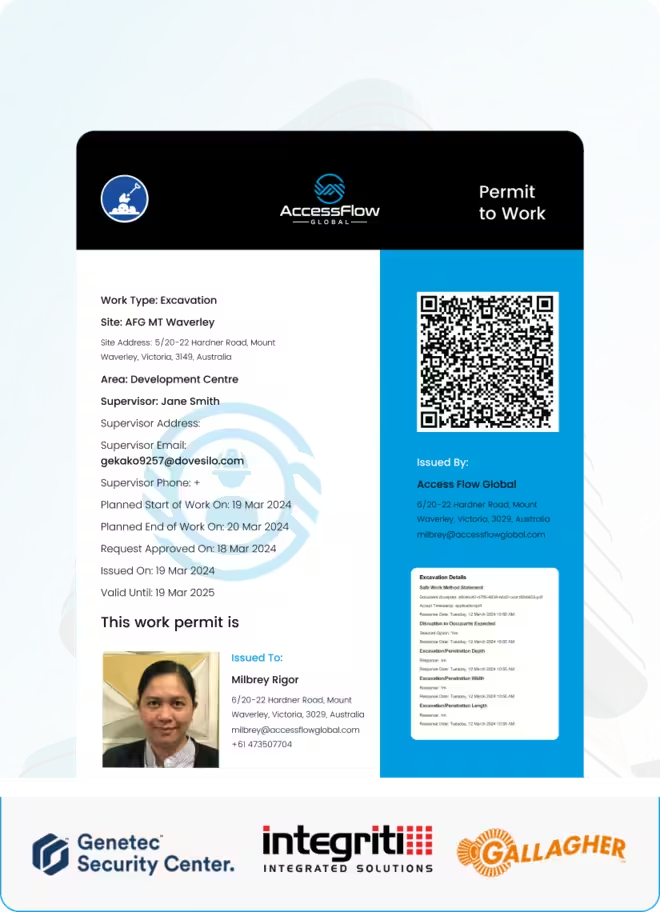
Support for unlimited permit types, workforce issuance, approval workflows, pre and post permit task assignment.
Credentials are dynamically assigned or revoked based on real-time compliance checks
Centralise the management and assignment of access groups, allowing for precise control over who accesses which areas
Check-in/out with reader, cardholder sync, centralised emergency management and more. Support for various credential types: QR code, LPR, mobile credentials.
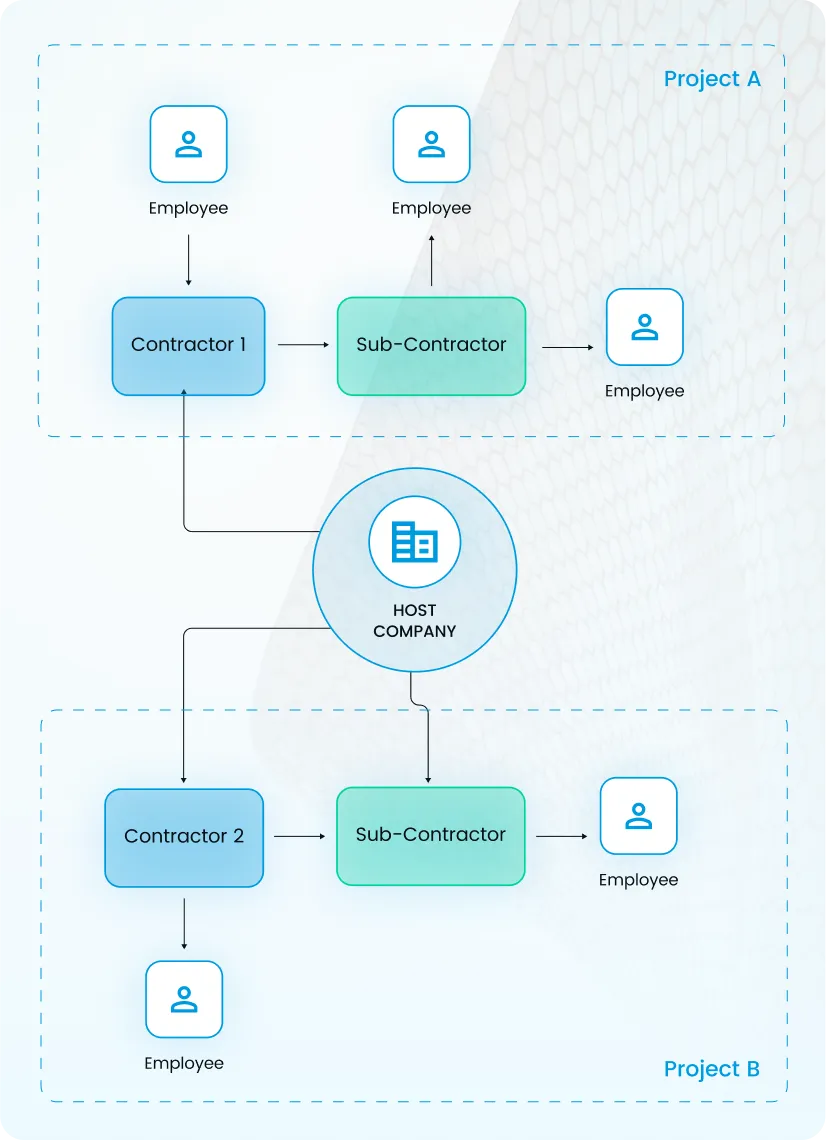
Create of a structured hierarchy within your company, streamlining the management of compliance across various projects and contractor levels.
Connect with multiple contractors, empowering each of them to manage their own teams while maintaining a clear overview of activities.
Primary contractors facilitate the onboarding of subcontractors, while AccessFlow governs the host’s compliance requirements
Distribute control by assigning approvers for different areas, sites or compliance types.

Workforce Management is just one component of the AccessFlow Unified Operations Management Platform built to connect services, and enforce compliance, simplify operations, and automate critical processes for organisations across the globe.

AccessFlow Workforce Management is a comprehensive solution that enhances compliance, safety, and efficiency across worksites. It automates real-time access control to ensure only compliant personnel can enter a site, manages permits-to-work with customisable workflows, and streamlines the onboarding of employees, contractors, and companies.
The system monitors workforce compliance in real-time and automatically blocks site access for non-compliant workers. It facilitates audits, tracks compliance requirements, ensures all personnel complete necessary inductions, and provides real-time alerts and insights for Occupational Health & Safety (OH&S) issues.
The portal is designed for host company administrators, contractor companies, and workers. Administrators manage compliance and approvals, contractor companies can manage their teams and verify identities, and workers can update their profiles and complete required inductions.
You can access the portal through the web interface or via mobile. Detailed login guides are available in the system documentation to help you get started on either platform.
Yes, the Workforce Management Portal is accessible on mobile devices, allowing you to manage workforce compliance and access control on the go.
In AccessFlow, a worker is any individual who needs access to your worksite—this includes both your direct employees and contractor personnel. Workers can be invited and managed through the Workforce Management Portal.
There are several methods to invite workers: you can invite them individually through the portal, assign them to worker groups, or use bulk import methods like uploading a CSV file through a Worker List.
A Worker List is a tool for importing workers from another system or contractor management process. It's ideal when you need to add multiple workers at once, either by entering details manually or by uploading a CSV file for bulk imports.
The system includes a tracking feature that allows you to monitor the status of new worker invitations, helping you follow up on pending invitations and ensure all workers complete their onboarding.
You can assign inductions to workers through the system to ensure they complete all necessary safety and compliance training before gaining site access. This applies to both your employees and contractor workers.
The Contractor Manager is a feature that allows you to oversee all onboarded contractor companies. It provides the capability to manage these companies and send invitations to prospective new contractor companies for onboarding.
You can onboard contractor companies either manually through the Contractor Manager or by uploading a CSV file containing multiple company details. The Contractor Manager also allows you to send invitations to prospective new companies.
Yes, you can assign inductions to contractor workers through the system. This ensures that all personnel from contractor companies meet your site's safety and compliance requirements before gaining access.
The Contractor Manager allows you to oversee all onboarded contractor companies, manage their compliance status, verify worker identities, and conduct health checks including drug and alcohol testing.
A Permit-to-Work is a formal authorisation required before carrying out tasks in hazardous environments. It helps ensure work can be performed safely by identifying potential hazards and outlining necessary precautions, ensuring compliance with health and safety regulations.
You need a Permit-to-Work when carrying out tasks in hazardous environments. The Host Company Administrator may require you to apply for one, or you can request to apply yourself depending on the nature of your work.
You can apply for a Permit-to-Work through the AccessFlow Workforce Management system. Depending on the type of work you need to carry out, you may need to apply a certain number of days prior to commencing work. You'll receive an email notification when your permit application is ready for completion.
The advance notice required depends on the type of work you need to carry out. It's important to plan ahead and check with your Host Company Administrator about the specific timeframes required for your type of work.
If you're required to apply for a Permit-to-Work, you'll receive an email notification letting you know that your permit application is ready for completion. You can also request to apply for a permit through the portal if you identify that your work requires one.
Yes, you can request to apply for a Permit-to-Work through the mobile version of the Workforce Management Portal, allowing you to manage your permits whilst on the go.
As an administrator, you're responsible for approving company compliances, worker compliances, permit requests and completions, onboarding requests, and audits. All these items can be accessed from a single page in the portal for easy management.
The system automatically blocks site access for workers who are not compliant with regulatory and safety requirements. This real-time monitoring ensures that only authorised and compliant personnel can enter the worksite.
The Approval Manager is a centralised interface where you can review and approve various compliance items, including company and worker compliances, permits, and onboarding requests. It streamlines the approval process by consolidating all pending items in one location.
You can modify your company details through the Company Manager in the My Company Menu. This allows you to keep your organisation's information current in the system.
Worker Groups allow you to organise workers into specific categories or teams. You can create new groups and add members to them, making it easier to manage inductions, permissions, and compliance requirements for groups of workers with similar roles or requirements.
You can add workers to your Company Approver Groups through the system, allowing you to delegate approval responsibilities and distribute the workload amongst qualified personnel in your organisation.
Yes, AccessFlow Workforce Management integrates with access control systems to provide seamless, automated control over who can enter your worksites based on their compliance status.
Yes, the system enables reporting and management of OH&S issues, providing you with the data and insights needed to maintain a secure and well-regulated work environment.
For comprehensive information about AccessFlow Workforce Management, you can visit the AccessFlow Global website or refer to the detailed step-by-step guides available within the portal documentation.