





.png)
Last week, the AccessFlow Global team met with Inner Range’s sales and business development teams from Victoria, the Australian Capital Territory, New South Wales, Queensland, Western Australia and South Australia at their Melbourne office.
Rather than running a standard product demonstration, the session focused on real customer use cases across transport and logistics, corporate offices, oil and gas, and other key industries.
The questions raised by the teams reflected exactly what customers and system integrators are asking on-site every day across Australia.
We have turned the session into a practical resource covering the most common questions about visitor management, workforce management and emergency mustering, with direct answers followed by more detailed explanations.
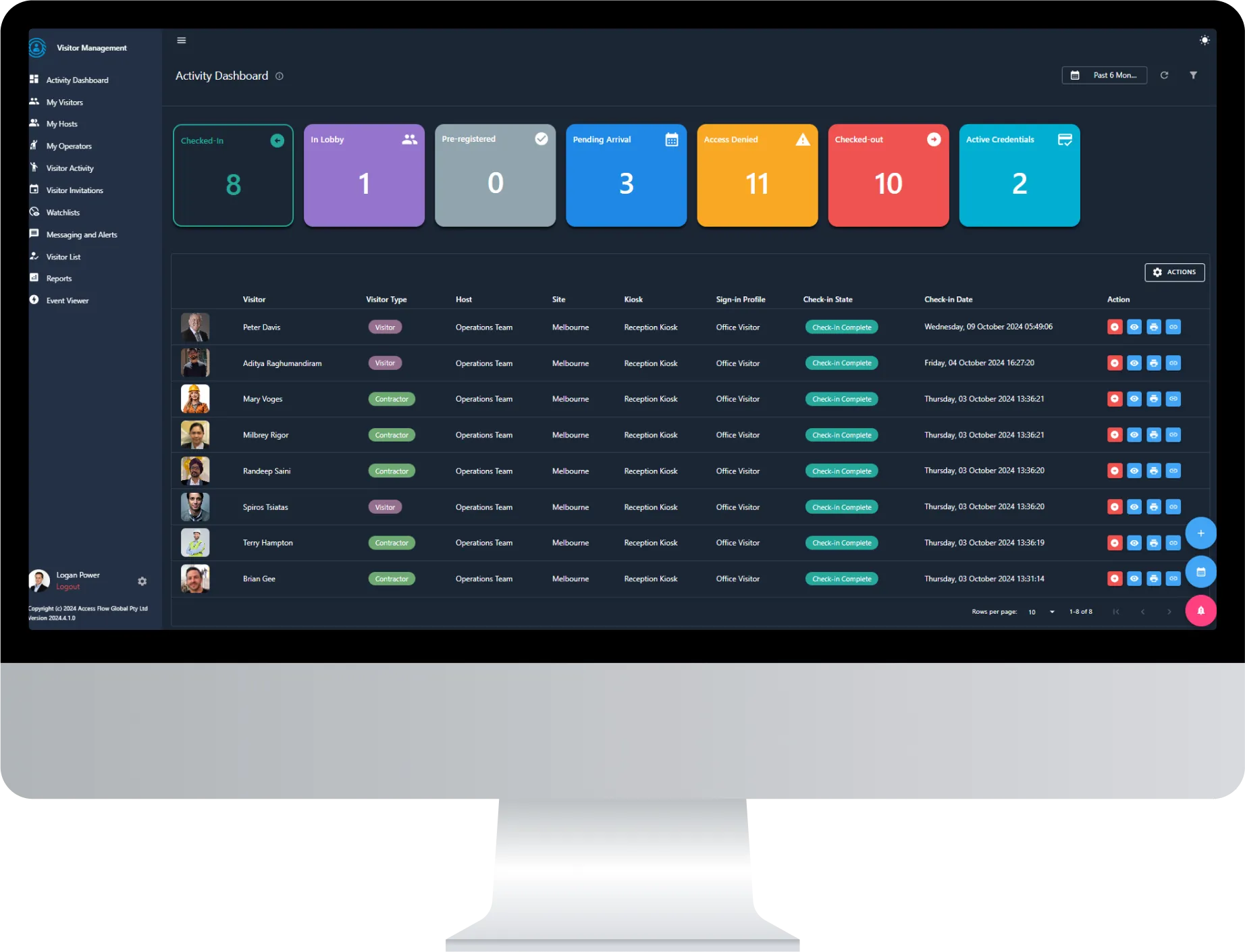
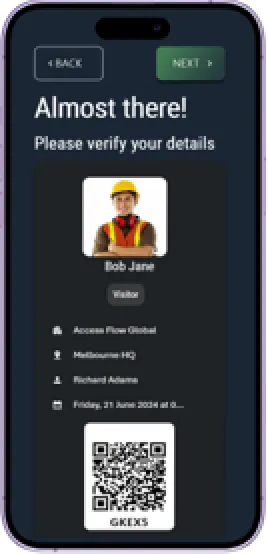
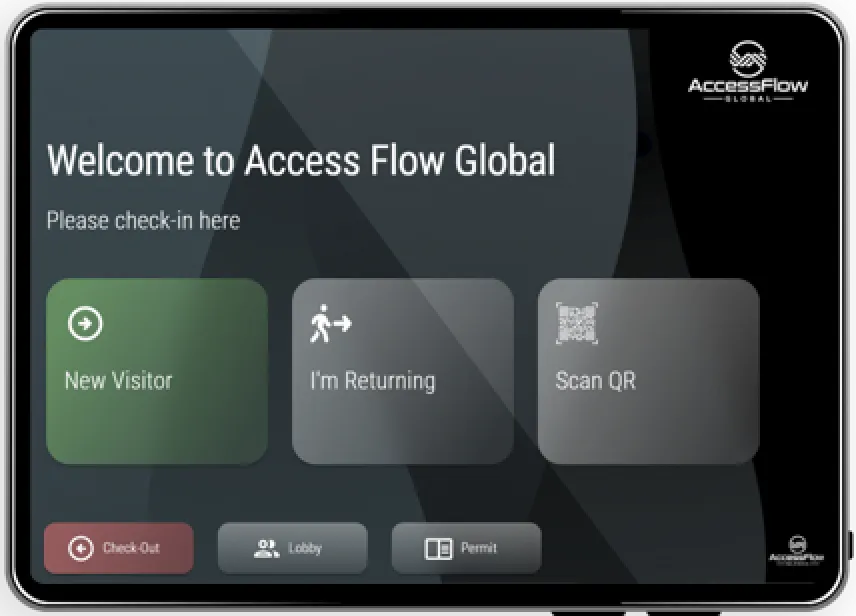
Short answer: Visitor management is the process of registering, verifying and tracking anyone entering a facility who is not a regular employee.
Modern platforms such as AccessFlow go further by connecting visitor data with access control, compliance checks and real-time occupancy information. This ensures that every visitor is accounted for rather than simply signed in.
A traditional sign-in sheet only records that someone has arrived. A connected visitor management system actively manages:
For regulated or high-risk sites, visitor management may also include automated inductions, identity screening and approval workflows, replacing time-consuming manual reception processes.
Short answer: AccessFlow connects with both Inner Range Integriti and Inner Range Inception, bringing access events and occupancy information into the AccessFlow platform for visitor management, workforce compliance and emergency mustering.
Integriti is suited to larger, multi-site or enterprise environments that require advanced access control and intrusion detection capabilities.
Inception provides a streamlined access control and intrusion detection solution that is well suited to smaller sites and single-building deployments.
For sites that also use Genetec Security Center, the dedicated Integriti ACS Plugin extends the integration further by providing operators with a unified Security Desk view.
Whether a customer uses Integriti or Inception, AccessFlow’s compliance and mustering modules can use access activity to maintain live occupancy information without requiring an entirely separate operational process for each system.
Short answer: In an operational compliance context, workforce management involves tracking employee and contractor inductions, certifications and site competencies, with this information connected directly to physical access permissions.
When a required credential expires, access can be automatically restricted until the issue is resolved. This helps close the gap between human resources compliance and physical security.
AccessFlow’s workforce management capabilities are designed to prevent compliance gaps from becoming safety incidents. This is particularly important for sites with contractor-heavy workforces, strict induction requirements or role-specific competency obligations.
Short answer: Every industry can operate on the same AccessFlow platform, while the modules and workflows are configured to match the sector’s risk profile, workforce structure and compliance requirements.
Keep drivers, contractors and visitors accounted for across high-turnover depots and yards, with emergency mustering designed for large and constantly changing site populations.
Give each tenant control over its own visitor workflows while allowing building management to retain full oversight of the wider site.
Enforce induction requirements, contractor competency checks and fitness-for-work screening, including integrations with systems such as Alcolizer, before individuals are permitted to enter the site.
Track staff, contractors, patients and visitors across wards and buildings, helping organisations meet duty-of-care obligations and respond more effectively during emergencies.
Manage visitors and contractors consistently across community facilities and worksites within a local government area, with compliance reporting consolidated into a single view.
Short answer: AccessFlow allows each tenant within a shared building to manage its own visitor policies, approval workflows and reporting, while building management retains site-wide oversight.
This is increasingly important in commercial buildings where ownership, property management and occupancy may be divided across several organisations.
Instead of requiring each tenant to deploy a separate visitor management system, AccessFlow centralises the underlying infrastructure while keeping each tenant’s data, permissions and workflows appropriately separated.
Short answer: The Inner Range Integriti ACS Plugin operates as a role on a Genetec Security Center server, bringing Integriti access control, intrusion detection, alarms and reporting into Genetec Security Desk.
This provides operators with a single operational view rather than requiring them to work across two separate systems.
For system integrators and end users, the integration can provide:
Unifying video and access control is no longer simply a convenience. It can reduce operator complexity and improve response times during security incidents.
Short answer: The Alcolizer integration supports automated fitness-for-work testing before facility access is granted.
A test can be triggered by an access request, with access withheld until a successful result is recorded within a configurable timeframe. This is primarily used in mining, oil and gas, and other high-risk industries.
AccessFlow’s built-in randomisation engine can select cardholders for testing based on configurable rules and enforce access restrictions until clearance is received.
Because the process is automated and logged, it also creates a defensible audit trail. This is important for organisations that must demonstrate compliance following an incident, rather than simply enforce requirements at the time of entry.
How Does Emergency and Evacuation Mustering Work?
Short answer: AccessFlow generates muster reports using a live zone occupancy database, allowing emergency headcounts to reflect the actual location of employees, contractors and visitors at the time an emergency is declared.
This is more accurate than relying on a static list created earlier in the day.
Multiple roll-call methods can be supported at each muster point, including:
This allows personnel to be accounted for regardless of their credential type.
The key difference between AccessFlow’s approach and a manual headcount or basic mustering application is that occupancy information is live rather than assumed.
A big thank you to our partners at Inner Range for hosting the session.
Sessions like this are exactly why we value bringing technical, sales and business development teams together in person. The questions were not generic. They were shaped by real conversations the teams are having with customers every day.
Want to see how visitor management, workforce compliance and emergency mustering can work together on one platform?
Contact the AccessFlow Global team to arrange a walkthrough tailored to your site, workforce and operational requirements.


.png)